BEFORE YOU SEND IT
Set your artwork up for success.
Strong source files give us more flexibility, cleaner decoration and fewer production delays. If you are unsure about your file, send what you have and our team will explain the next step.
01Start with the best file
Vector artwork is preferred because it can be resized without losing quality. AI, EPS, SVG and editable vector PDF files generally produce the cleanest results.
A file saved as a PDF is not automatically vector. We will review the artwork itself.02Package native files
InDesign files must be packaged with the INDD file, every linked image, font and supporting source file. Photoshop files should remain layered and include linked assets and required fonts. ZIP the complete package before uploading.
Do not send only a flattened preview when native source files are available.03Plan for final size
For raster artwork, 300 DPI at the intended reproduction size is our preferred minimum resolution. Lower-resolution files may sometimes be acceptable for large-format production depending on the print method, supplier, equipment and expected viewing distance.
Our team and production partner will evaluate the file before confirming that it is suitable.04Build color intentionally
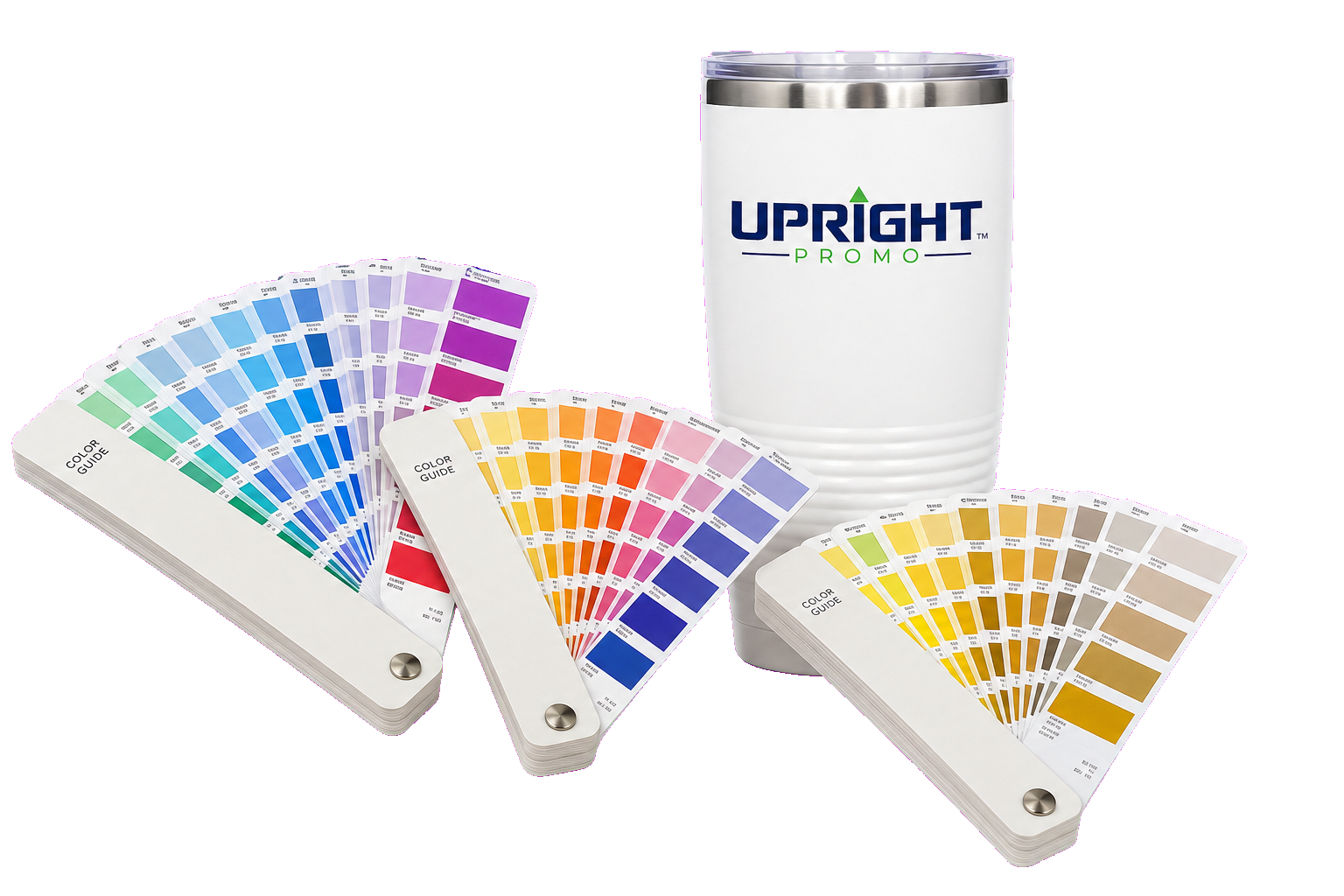
Use Pantone colors for spot-color matching when brand consistency is critical. Use CMYK for most full-color print work. RGB files may shift when converted for production, and colors can vary by product material and decoration method.
Exact color matching is not available with every process or substrate.05Include bleed and safe area
Artwork that prints to an edge may require bleed. Keep logos, text and important details inside the supplier’s safe area. Requirements vary by product, so we will confirm the correct template when one is needed.
Do not add crop marks or assume a universal bleed unless the project template requests them.06Protect transparency
Submit artwork with a transparent background when the background is not intended to print. A white box in a PNG or JPG may become part of the final imprint.
Transparent artwork still needs enough contrast against the product color.